

NationBuilder drag and drop form builder
NationBuilder's comprehensive suite of engagement tools give clients everything they need to empower their digital campaigns. However, creating custom forms can be difficult without coding knowledge, so, with that in mind I've been working on a drag and drop form builder.
No more custom templates!
Usually, if you want to create a custom form within NationBuilder you need two things: a custom page template and the coding knowledge required to add your custom fields to the standard form.
This presents two problems. First, the person creating the custom form needs to be comfortable with HTML, CSS, and Liquid. Second, styling changes intended to be applied across the site may break when applied to custom-coded pages.
How it works
Below is a breakdown of how you can create a custom form within NationBuilder using my drag and drop form builder.
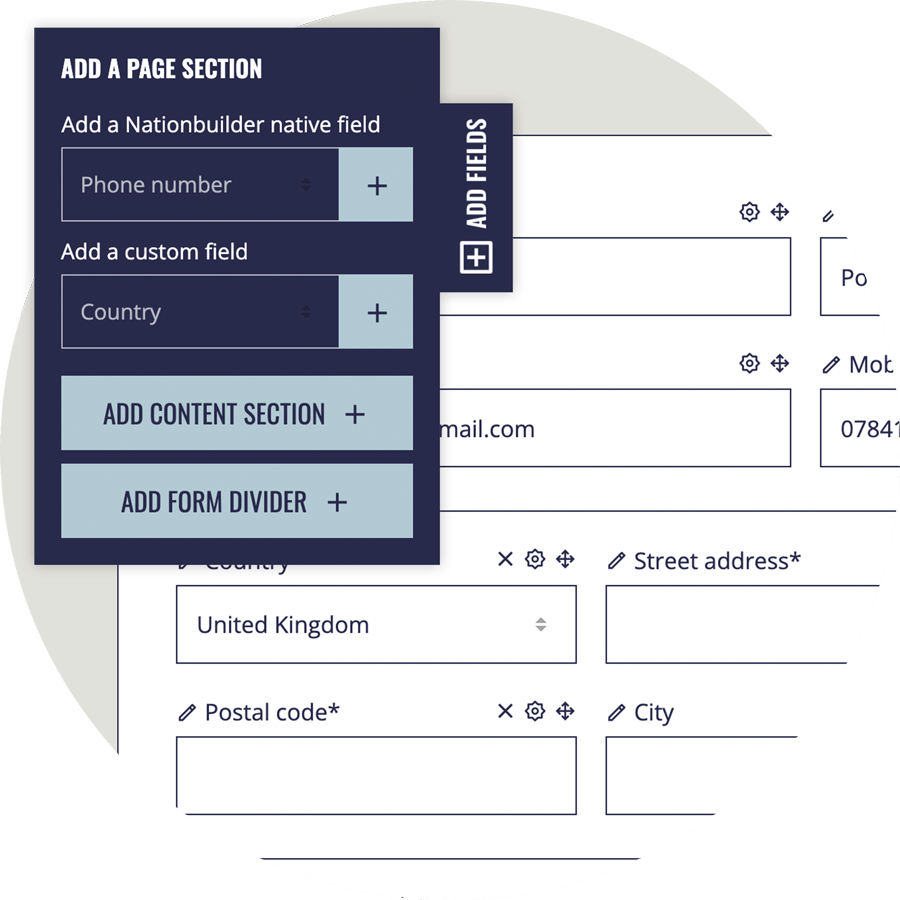
1. Create your form
Create your custom form by using the drag and drop interface to add, edit, delete and reorder your fields.
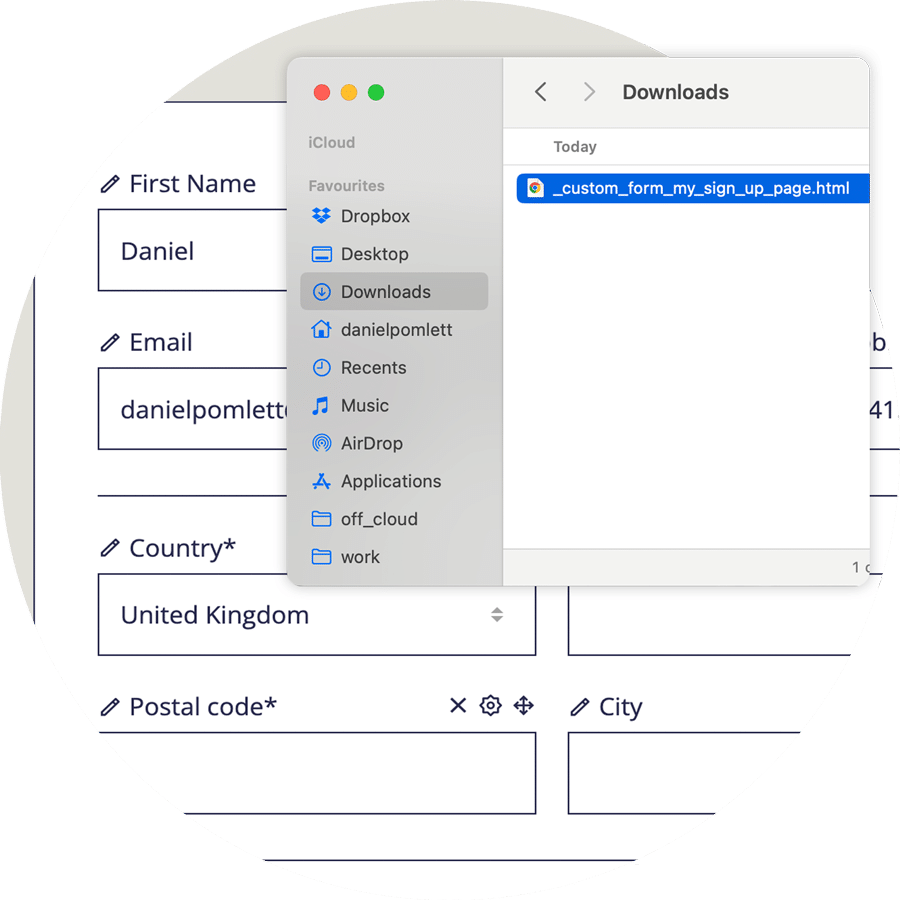
2. Export the html
Click the export button to create and download the html template for your custom form.
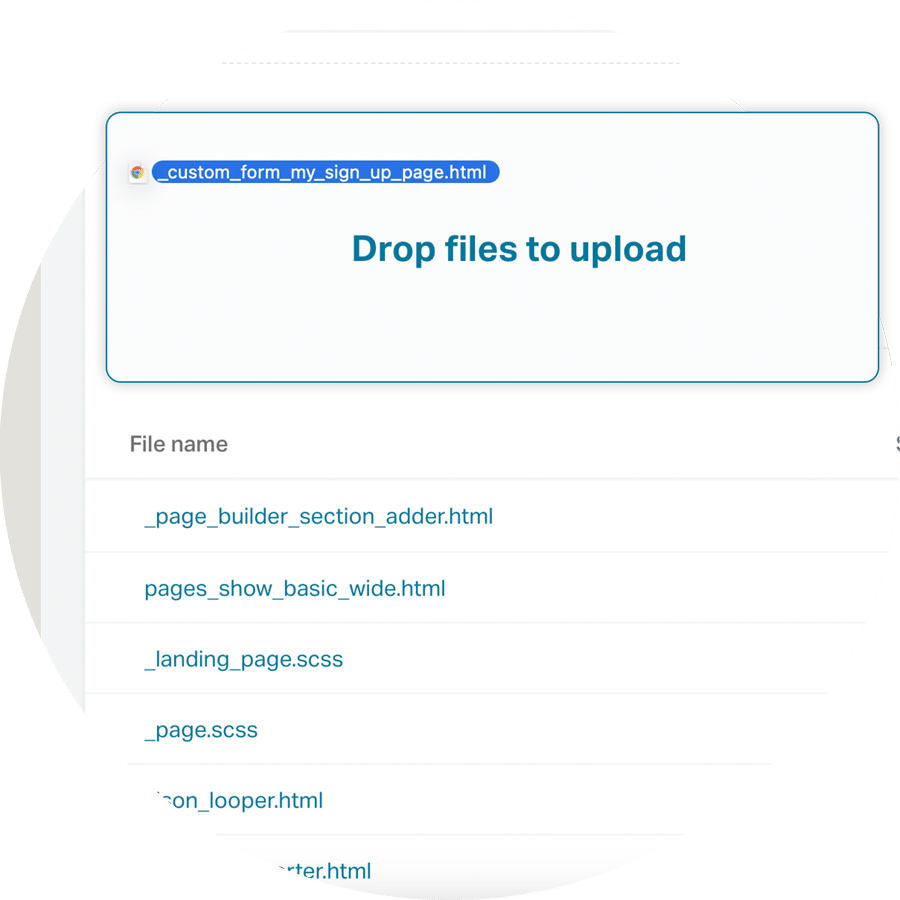
3. Upload the template to your theme files
Upload your custom form template to your theme files.
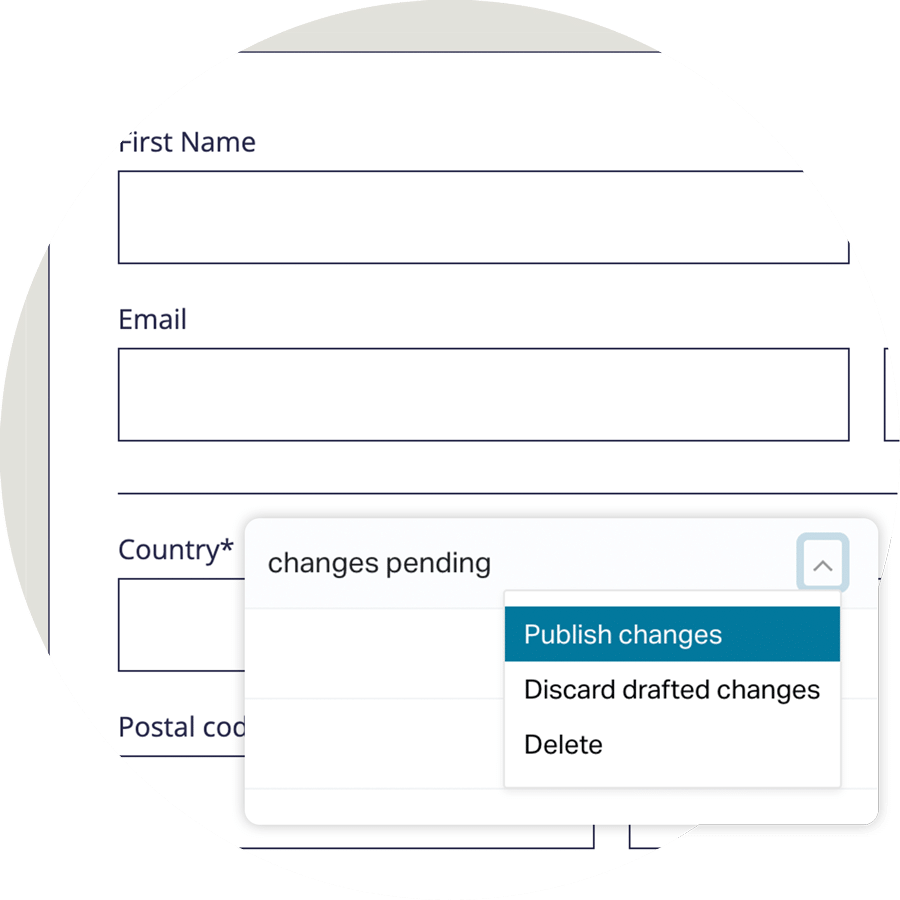
4. Check and publish
Preview the new form and when happy publish the uploaded custom form template.
The form builder allows you to customise forms quickly and easily through an intuitive drag and drop interface. The video below shows the form builder in action.
